
Your heart rate.
Your rule.
Your people.
Set a heart-rate rule on Apple Watch. When it's met and you don't cancel, the supporters you chose are told.
Not a medical device. Not an emergency service.
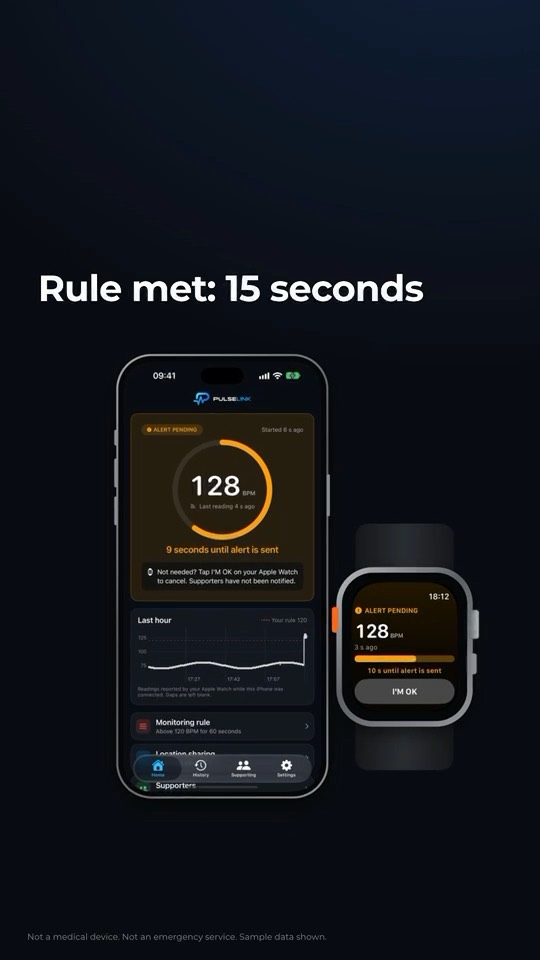
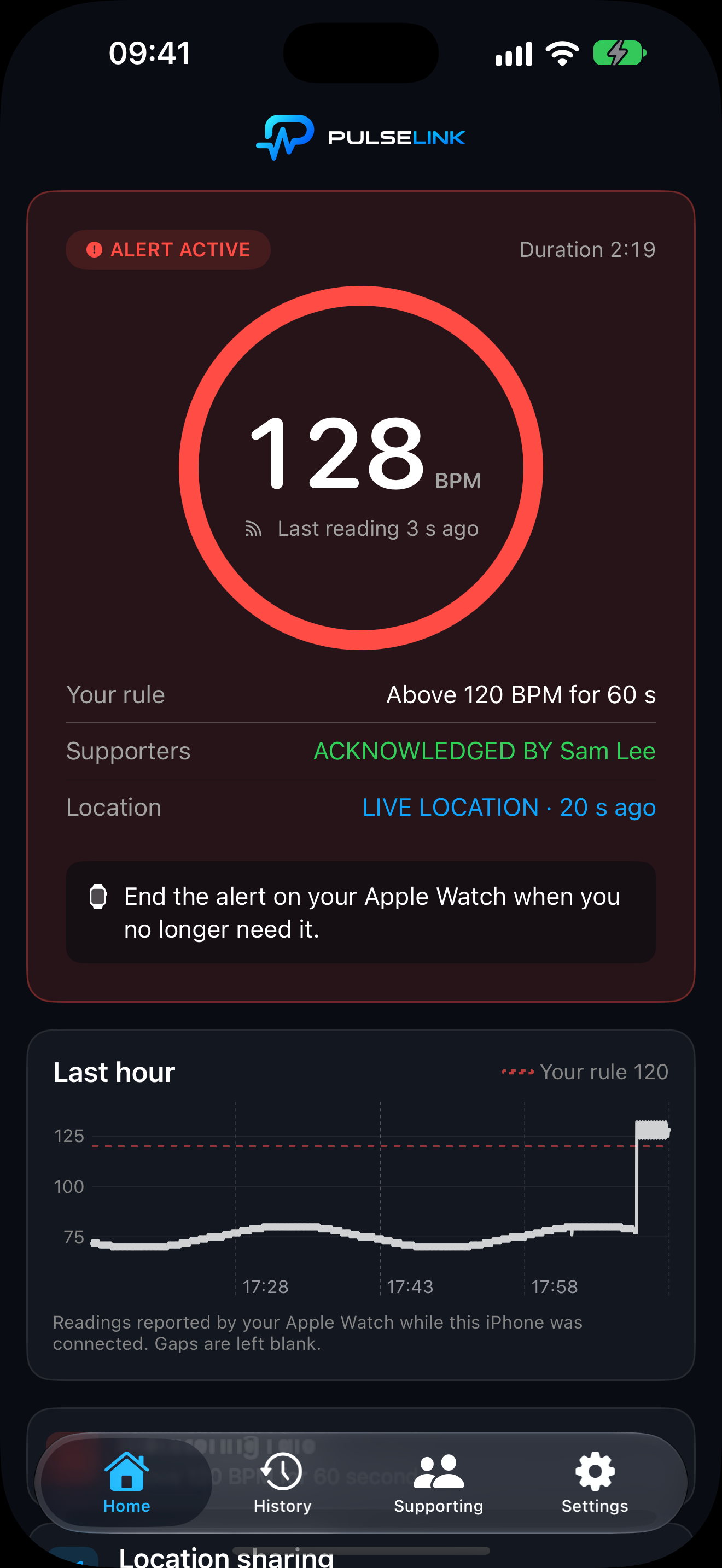
Heart rate on Apple Watch, compared with your own rule.
Rule met: 15 seconds to tap I'M OK, then your supporters are told.
Supporters see the alert and can check in.
Four moments.
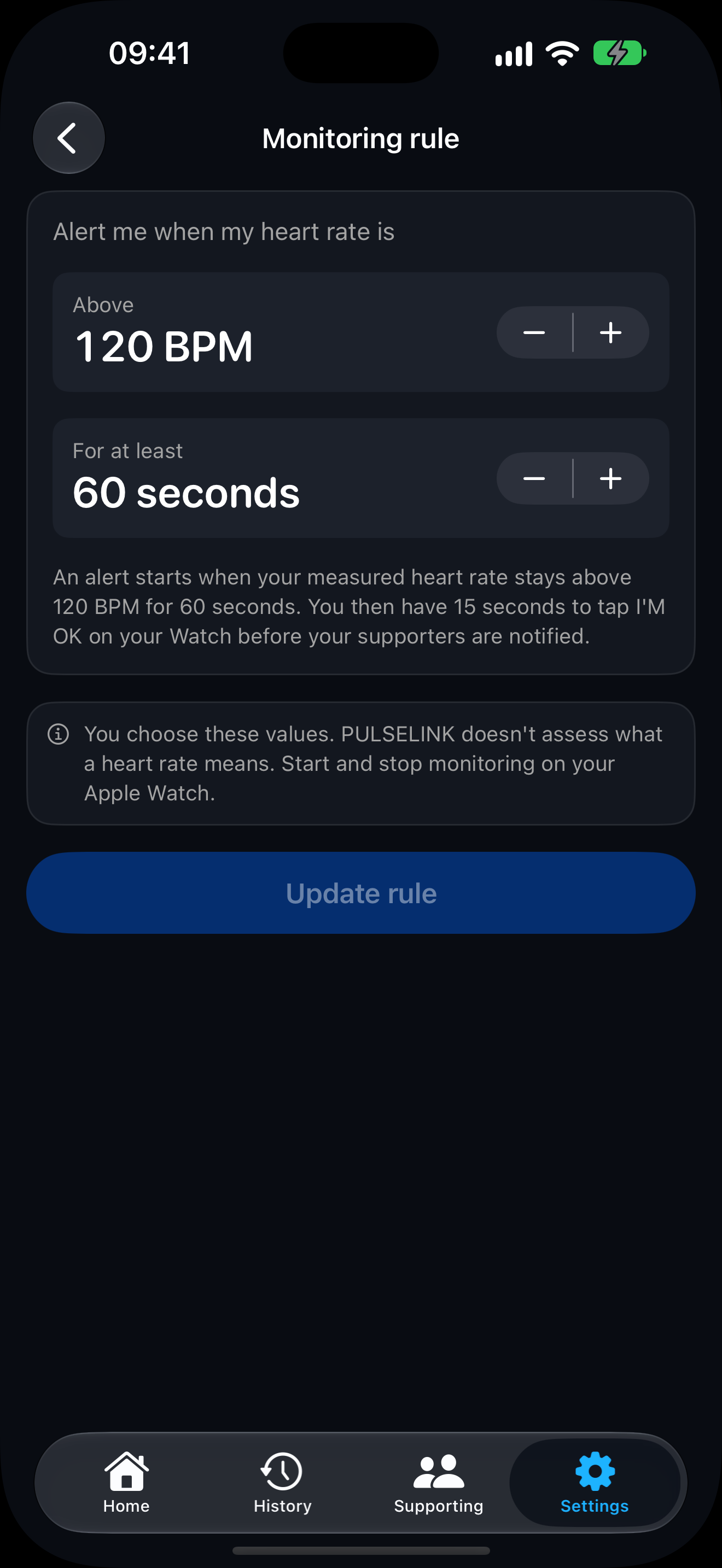
Above a heart rate, for as long as you choose.
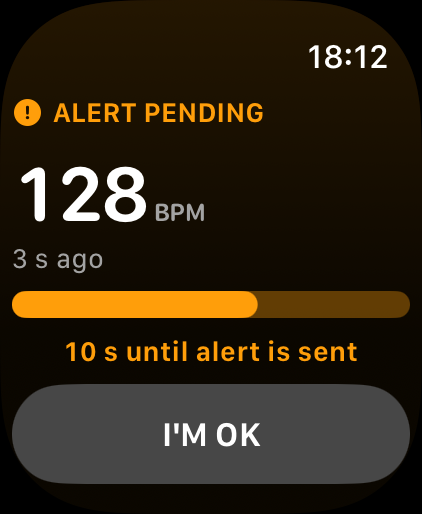
Tap I'M OK on Apple Watch and no one is notified.
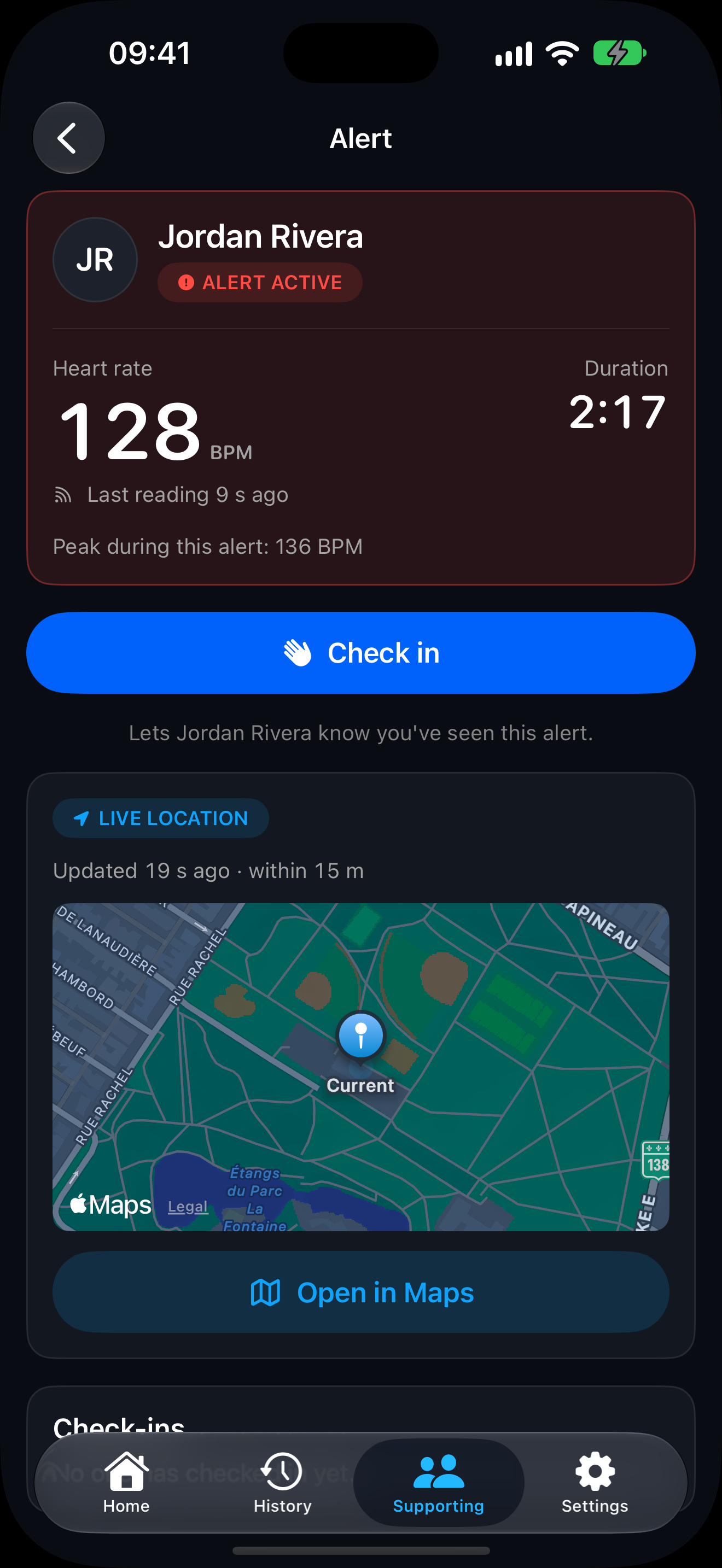
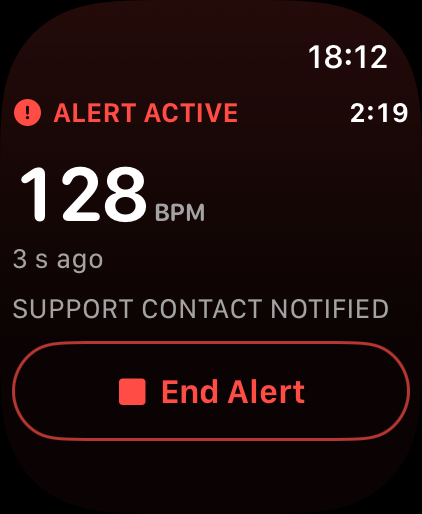
If you don't cancel, the people you chose are notified.
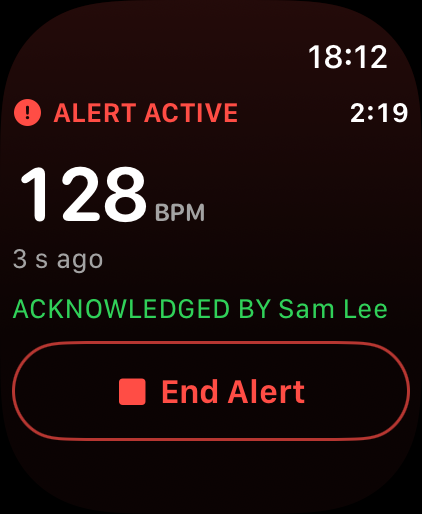
You see ACKNOWLEDGED BY on your Watch.
What PULSELINK does.
PULSELINK never judges a heart rate. You choose the rule.
Old data is greyed out and labelled, never shown as current.
Cancel a pending alert before anyone is told.
Invite with a code; choose what each can see.
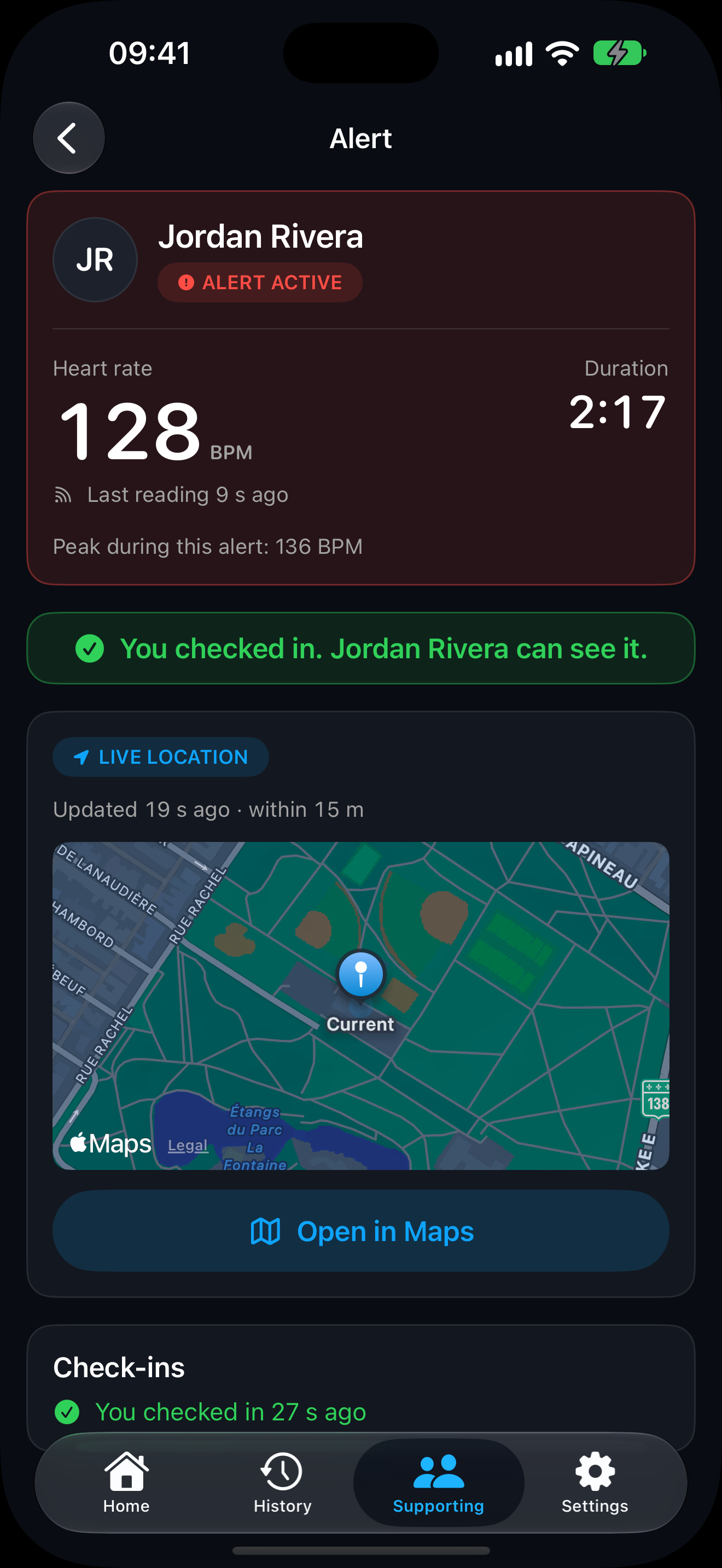
Supporters can let you know they've seen your alert.
Off by default; deleted when the alert ends.
The right people,
kept informed.
Invite people you trust and choose exactly what each can see. Supporters follow everyone they support in one place.
- Alerts and duration for every supporter
- Heart rate and location only if you allow
- Nothing outside an alert
Location, only
during an alert.
Off by default. If you turn it on, your iPhone's location is shared only during an active alert, with supporters you allow — and deleted when it ends.
Be first to try PULSELINK.
It isn't on the App Store yet. Join early access and we'll email you when you can try it on iPhone and Apple Watch, whether you'd wear it or want alerts for someone you care about.
Not a medical device. Not an emergency service.
Questions, answered.
What is PULSELINK?
An iPhone and Apple Watch app that checks your heart rate against a rule you set and, when the rule is met, notifies the supporters you chose. It's not a medical device and not an emergency service.
How does PULSELINK work?
You set a rule, like above 120 BPM for 60 seconds, and start monitoring on Apple Watch. When the rule is met you have 15 seconds to tap I'M OK. If you don't, your supporters are notified.
What devices does PULSELINK support?
iPhone and Apple Watch for the person being supported. Supporters use PULSELINK on iPhone. Exact requirements will be listed on the App Store at launch.
How do I install it?
PULSELINK isn't on the App Store yet. When it launches, install it on iPhone; the Apple Watch app comes with it.
What does I'M OK do?
When your rule is met, an alert is pending for 15 seconds. Tapping I'M OK on your Watch cancels it, and no one is notified.
What does Check in mean?
It's a supporter's action. When they tap Check in, you see that they've seen your alert. It doesn't say anything about how you are.